- Mon. - Fri.: 8:30 a.m. - 5:00 p.m.
Solution: Everything under control—from development through post-market surveillance (PMS)
The Best Practice Solution for Technical Documentation supports companies that want or need to maintain technical documentation in creating and managing the relevant documents. In addition to the term “technical documentation,” the terms “technical file” and “design control” are also used. The Best Practice Solution (BPL) helps you map the lifecycle of your products from development through production to post-market surveillance (PMS). You can easily initiate the transition between phases—known as the “design transfer”—and thus map the lifecycle of your products with a single mouse click.
When combined with the best-practice solution for change management, efficient design control can be implemented.
enaio® offers the following features as part of its technical documentation:
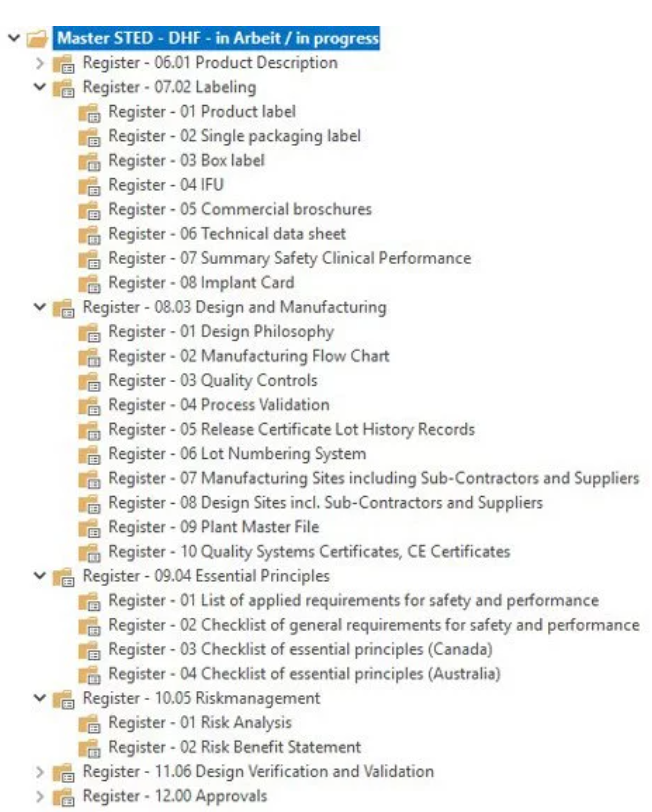
Simply map the entire lifecycle, from development through production to post-market surveillance (PMS).
You decide which documents should be exported and, if necessary, submitted. In addition to the file structure, a table of contents is automatically generated and the export is logged.

As part of design controls, the best-practice solution for technical documentation provides mechanisms for reviewing and approving documents or entire production files. This allows all phases of the lifecycle to be mapped in a fully configurable manner.
Each product is assigned its own file (dossier) in the BPL, which allows for the reuse of file (dossier) structures. Files that build upon one another (DHF[Design History File] toDMR[Device Master Record] toDHR[Device History Record] or device file) can be mapped.
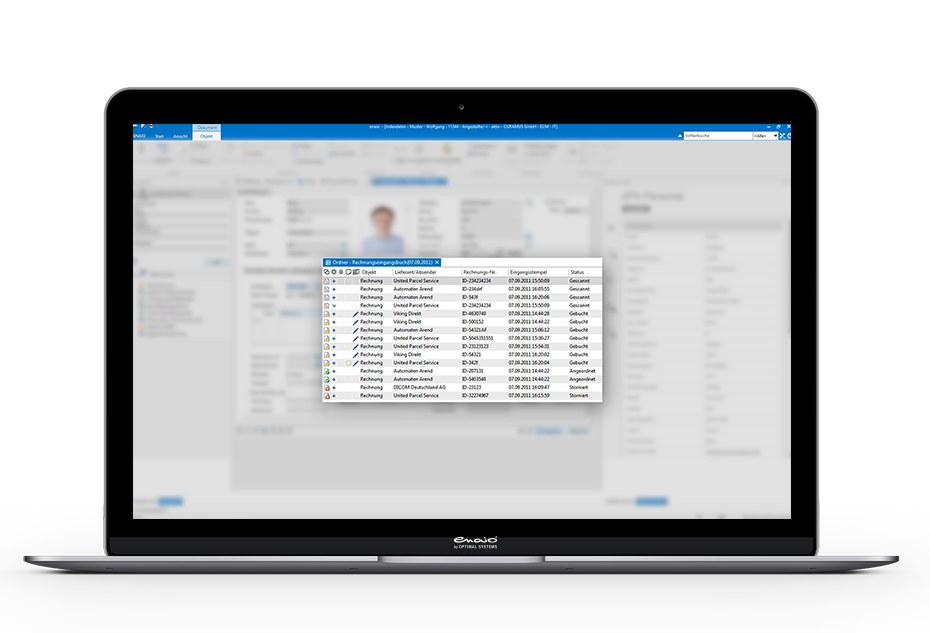

Simply map the entire lifecycle, from development through production to post-market surveillance (PMS).